

Be seen. Be heard. Be found.
How to improve your Google Business Profile in 2022
Your business listing is a powerful (and free) tool for your small business

Firstly … what is a Google business profile?
Many of you would be familiar with the Google business profiles from when you have conducted your own searches (particularly on mobile devices). They are the profiles that pop-up when you are looking for services near you.
We’ll mention here that this tool has recently had a name change from Google My Business (which you may be more familiar with) to Google Business Profile (GBP). Business owners can use the platform to create (or claim) a business listing. They are particularly powerful for businesses with a fixed location/address that people can visit in person. At the end of the day, the point of having a GBP is so that your business shows up on Google Maps, provide important information and facilitate customer reviews.
Plays nicely with others
Your Google Business Profile can be linked to your website and other digital assets. A tip I like to share with clients is to include your review link in follow-up communications. The more reviews you have, the better your profile will perform in local search while providing that valuable 3rd party endorsement. You can grab your unique link from within your GBP during setup (or anytime you login to manage your profile).
Why it matters to small business
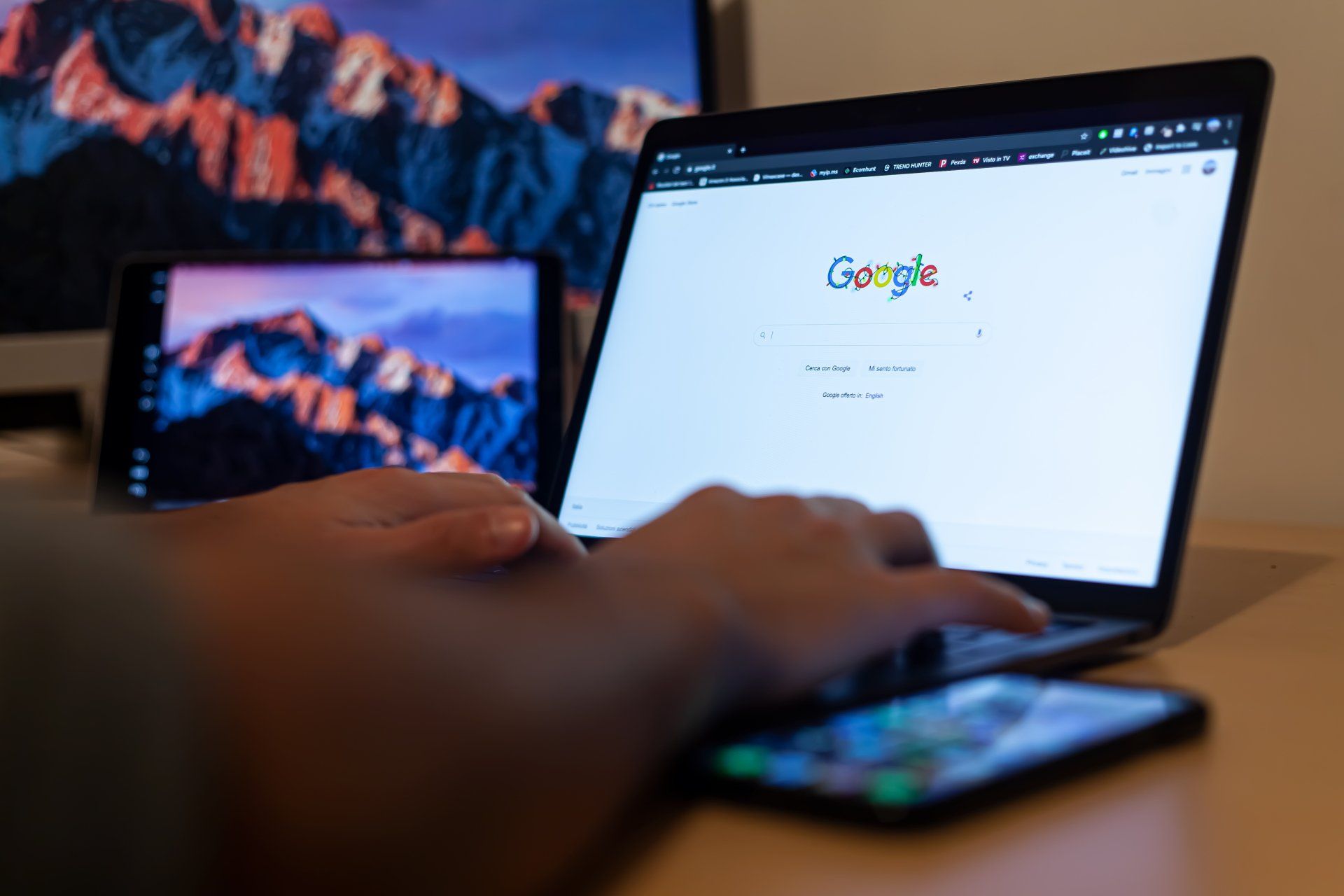
“I can’t find you!” … it’s the last thing you want to hear over the phone or an email from a potential customer. Without a Google Business Profile it’s highly unlikely that you will show up on Google Maps and the local pack. It’s also a key element of an SEO strategy (if you have one).
Pro tip: Keep your details up to date. You’ll be surprised how many listings are out of date. We'll show you how to do that ... keep reading.
How to open a business profile
Simple! Start here and follow the prompts. If you already have a Google email (Gmail) address that’s fantastic. If not, and you would like to tie your business email to the account, you can create an account from scratch. Make sure to have your basic business details handy, have access to the company email and a mobile phone you plan to link to the account.

I'm setup and ready to go! What's next?
Fantastic. You’ve created an account and now want to put your profile to work. We want to give our Google Business Profile the best chance of success by making sure we do a few things first.
Review your NAP information: No, we don’t mean your weekend napping schedule … your NAP information can be found by the Info tab once you login to your profile.
- Review your business name and make sure it is listed correctly. Is it consistent with your business name on other platforms and directories? For example, you may have a listing with a local chamber of commerce or other service. Even simple things like making sure it matches any signage at your physical business location is important.
- Review your address and make sure all details are correct. It’s important to note you do not have to add an address however it’s highly recommended if suitable for your business type.
- Triple check that phone number! If your business has multiple phones, make sure to have a chat within the business as to which number will be the primary contact point. This makes it easier for the business and an overall better customer experience when the phone is answered by someone expecting calls!
- Add your business description. If you have an existing website, you can borrow information from there to ensure you have consistency across your digital channels. Don’t forget to select your business category as well!
- Customer reviews. This one is a biggie. Make sure you are not only monitoring customer reviews but responding to them … good or bad. It shows the business values customer service and is engaged with their market. A great little tip here is to also add some of your keywords into your response to assist with local SEO.
- Add your products and services. If you run a local Ipswich business have some fixed products or services, then be sure to add them to your profile. You can setup categories and make sure to again be descriptive and include your keywords.
- Picture perfect. Add photos of your business to your Google Business Profile. So, for example, if you are a local fabricator, you could include pictures of your work or if you run a local café, some great photos of your signature offerings. Remember, there are preferred size formats here for logos and banner/cover photos (250x250 pixels and 1024 x 768 pixels respectively).
- Attributes feature. This is the area where you add other information unique to the business. Think along the lines of wheelchair accessible entry ways, seating or identifying if your business has amenities such as gender-neutral toilets.
- Post away! A great feature which people can forget about is the ability to post updates and information such as special offers or what’s new etc. We highly recommend using this feature so if you create a blog on your website and share to social media, don’t forget to share it to your Google business profile as well.
Summary
If you’ve made it this far, I’m hoping you should be well and truly sold on the benefits of setting up and proactively managing your Google Business Profile.
We know not all Ipswich business owners have the time to manage these things (let alone develop their own local SEO strategies) and are here to help. Reach out to the author (Ben) for a complimentary chat about your digital marketing goals.
SEARCH ARTICLE
SOCIAL MEDIA CHANNELS


Marketing Strategy
Let's Chat

Automation
Leverage AI. Get your apps talking to
each other.

Website Design
Be Found Online
RECENT POST: